WHAT IS BOOK BURRO?
Book Burro is an extension for Firefox & Flock web browsers to save you time and money when browsing books.
HOW BOOK BURRO WORKS
BROWSE THE WEB
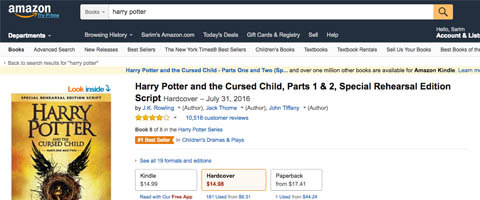
After installing Book Burro, you continue to browse the web as usual. When you visit a webpage with a book on it, Book Burro adds itself to the page.
THE BOOK BURRO PANEL
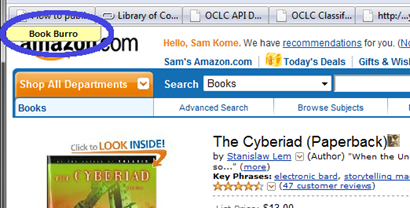
Book Burro is added to the upper left corner of the page, letting you know it is ready to connect you to book related resources around the web. Until clicked, no communication with other sites will occur.
INFORMATION & LINKS
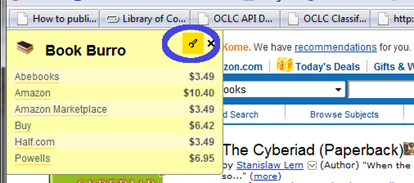
Clicking the panel will open up a list of your libraries, book stores and online services. In addition, information about pricing and availability is added to the list – all without visiting any other pages.